Private by Design
Enlargement, compression and conversion work offline on your Mac. Your personal photos and work images stay on your device, without cloud uploads.
AI Enlargement up to 16×
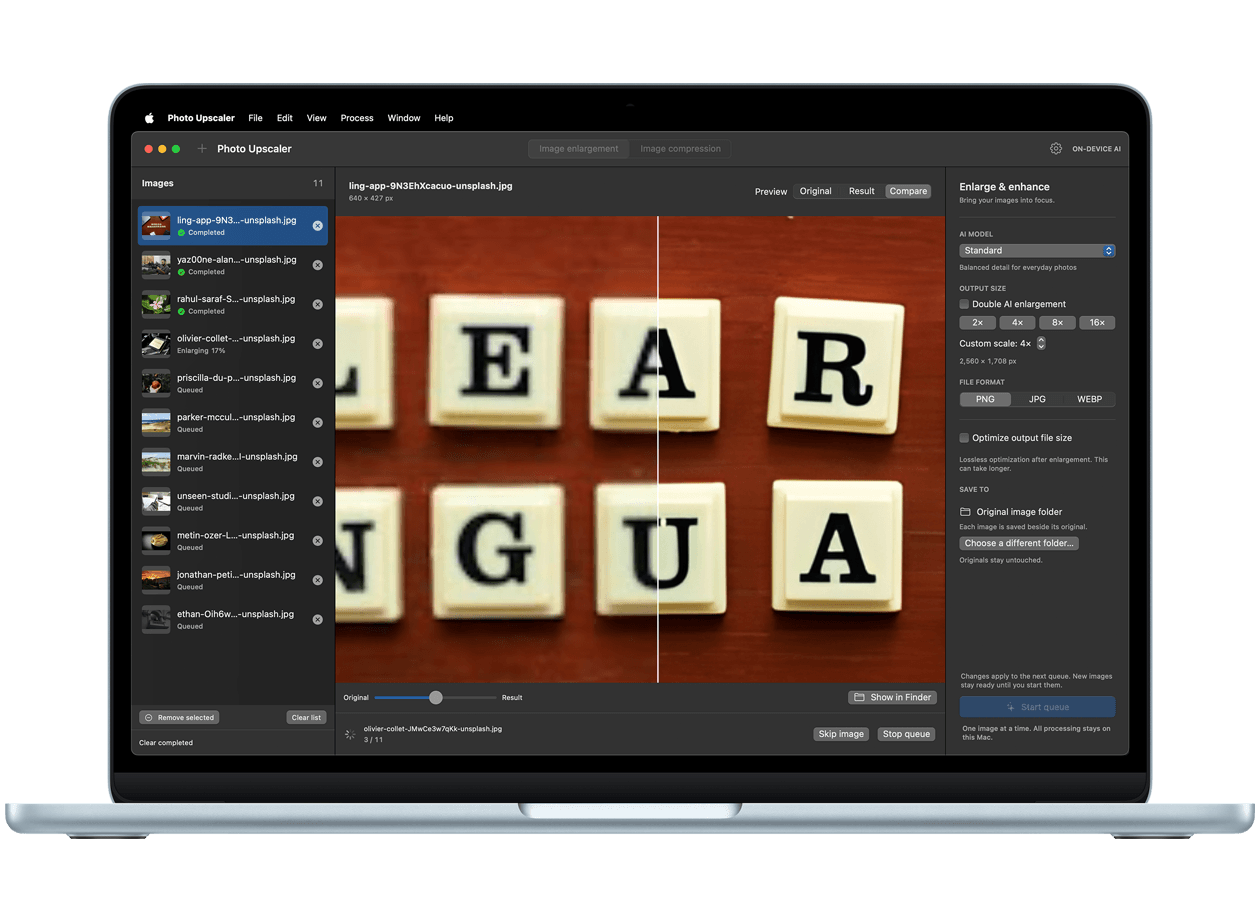
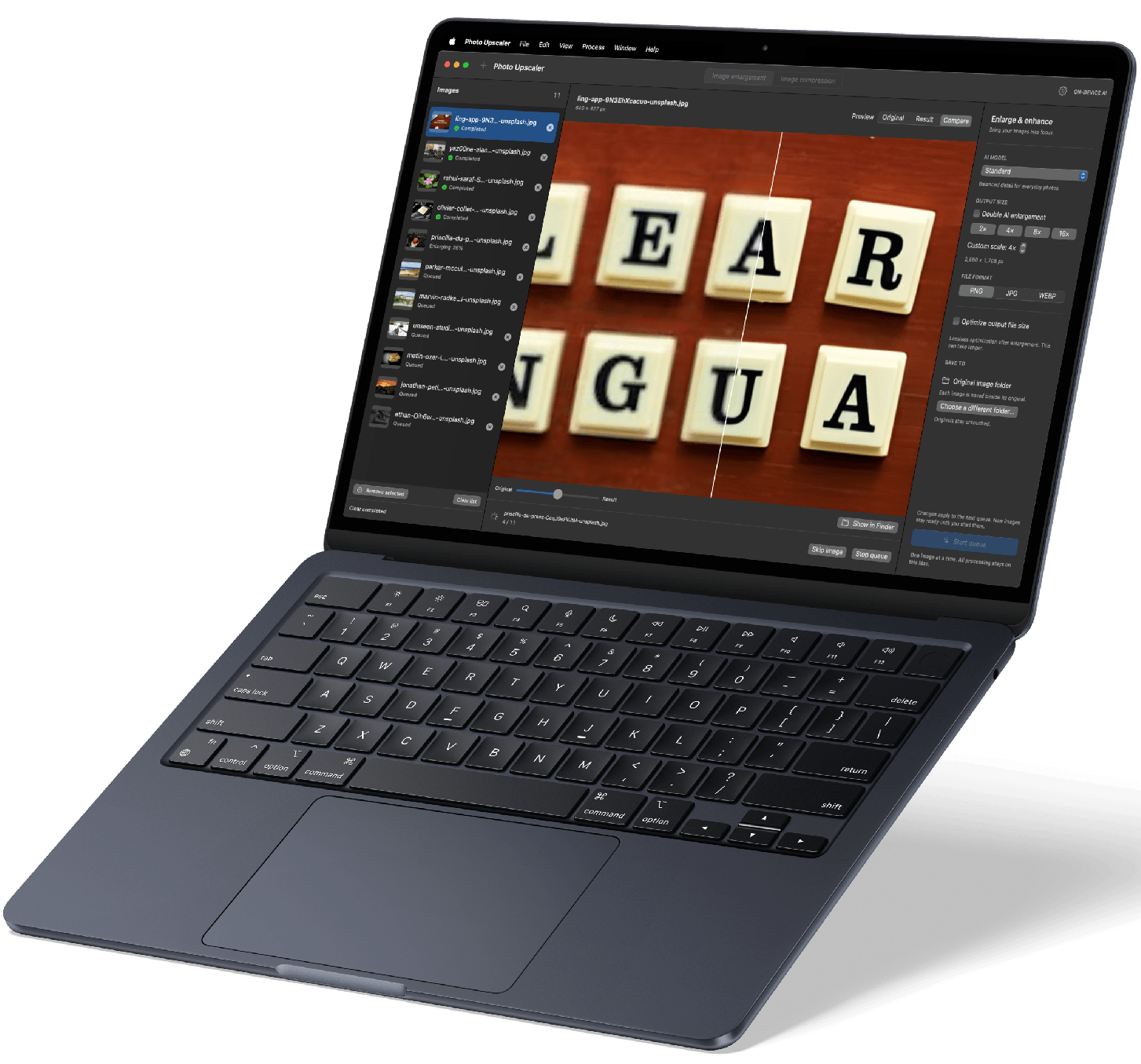
Choose a model for everyday photos, faster processing, or illustrations. Enlarge up to 16×, including two-pass 4× followed by 4× processing. Import PNG, JPEG, static WebP, HEIC, HEIF, single-page TIFF and BMP.
Convert Between Image Formats
Convert between PNG, JPEG, WebP, HEIC, HEIF, TIFF and BMP. Adjust quality for JPEG, WebP and HEIC/HEIF output, and choose a background color for transparent images converted to JPEG or BMP. Keep photo information when supported, or remove it for sharing. Output formats depend on your Mac’s encoding support.
Optimized for the Task
Choose an enlargement model, then use format-specific compression to balance image quality and file size. Optional lossless optimization can reduce enlarged file sizes where supported.
Format-Specific Compression
Optimize PNG and single-page TIFF without changing decoded pixels. JPEG and static WebP offer lossless or adjustable-quality lossy compression; HEIC/HEIF offer adjustable-quality lossy compression. Format and dimensions stay unchanged. If the result is not smaller, the original is kept. For BMP compression, convert to PNG for lossless compression or JPEG/WebP for adjustable-quality compression.
Batch Processing with Control
Queue multiple images and remove unwanted items before processing. Enlargement runs one image at a time; compression handles up to three at once, within memory limits. Mode switching stays locked until processing and cleanup finish.
Keep Your Originals
Save separate results by default, beside the originals or in a chosen folder. Optional compression replacement checks both files before overwriting. Conversion always saves a separate file. Compare results and see how much space compression saves.
Five Interface Languages
Use the app in English, Simplified Chinese, Traditional Chinese, Japanese or Spanish. Choose a language or follow your system settings.